SOP Digital · Smart Annotations

The procedure shows up exactly where the work happens.

Instead of a PDF manual nobody opens, SOP Digital anchors every instruction to the exact point in the real environment, inside a 360° tour your team opens in the browser.
Ambiente real anotado com instruções do procedimento

Anchored annotation

  1. 01Purge and warm up before the first service
  2. 02Check the cold room temperature
  3. 03Sweep and mop the floor after closing

The problem

Key Person Dependency

Operational knowledge lives in one key person's head. When they go on holiday, switch shifts or leave, the procedure leaves with them — and the new hire learns by looking over someone's shoulder.

Zeroformal learning curve for a new team member

The solution: Smart Annotation

Spatial anchor (X, Y, Z)

Every instruction has a coordinate inside the 360° scene. A step is not a list item: it is a point in the real space.

Visual validation layer

The operator compares what they see with what they should see. Verification happens in the environment, not in a spreadsheet afterwards.

Examples

The same principle, across different spaces.

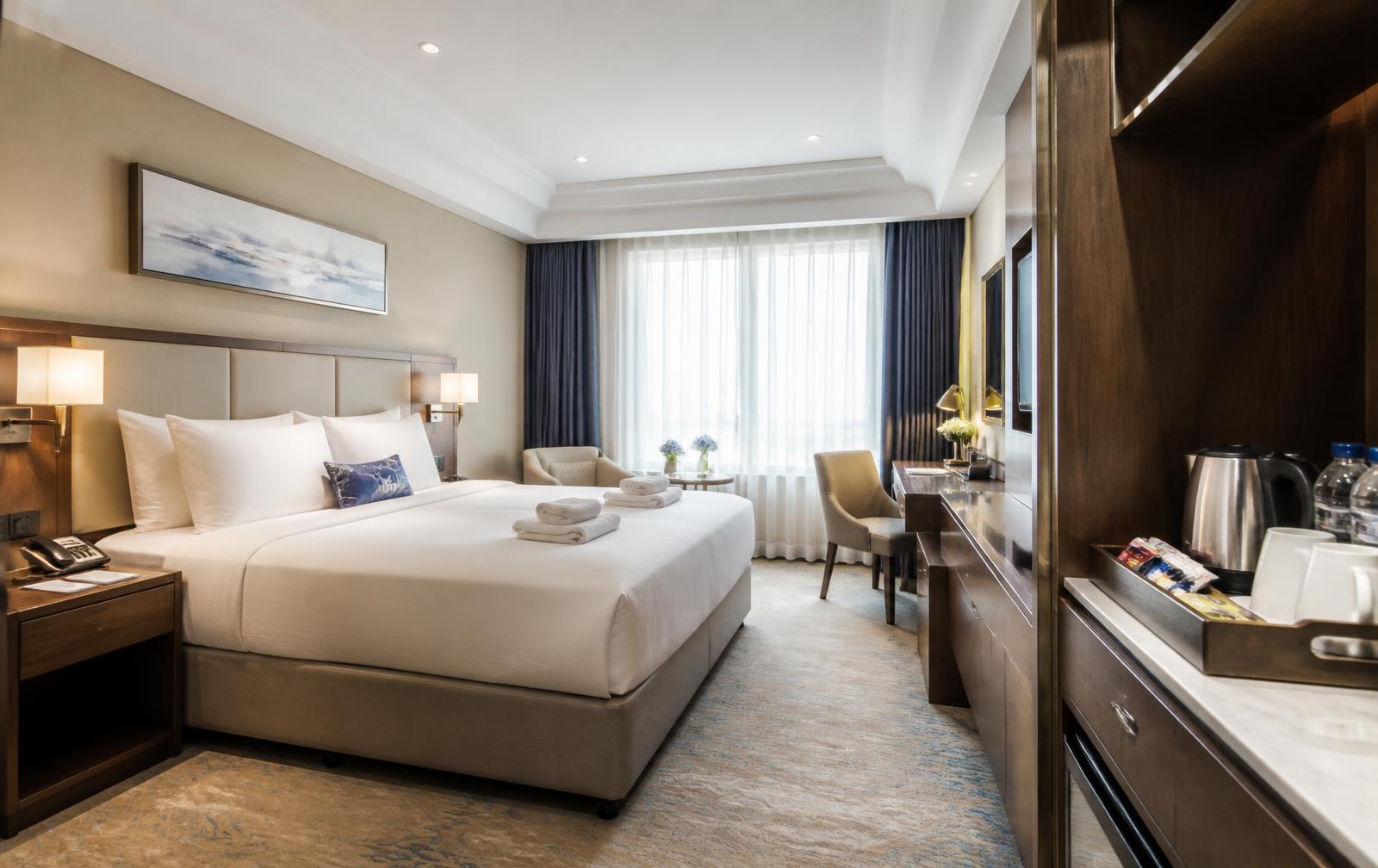
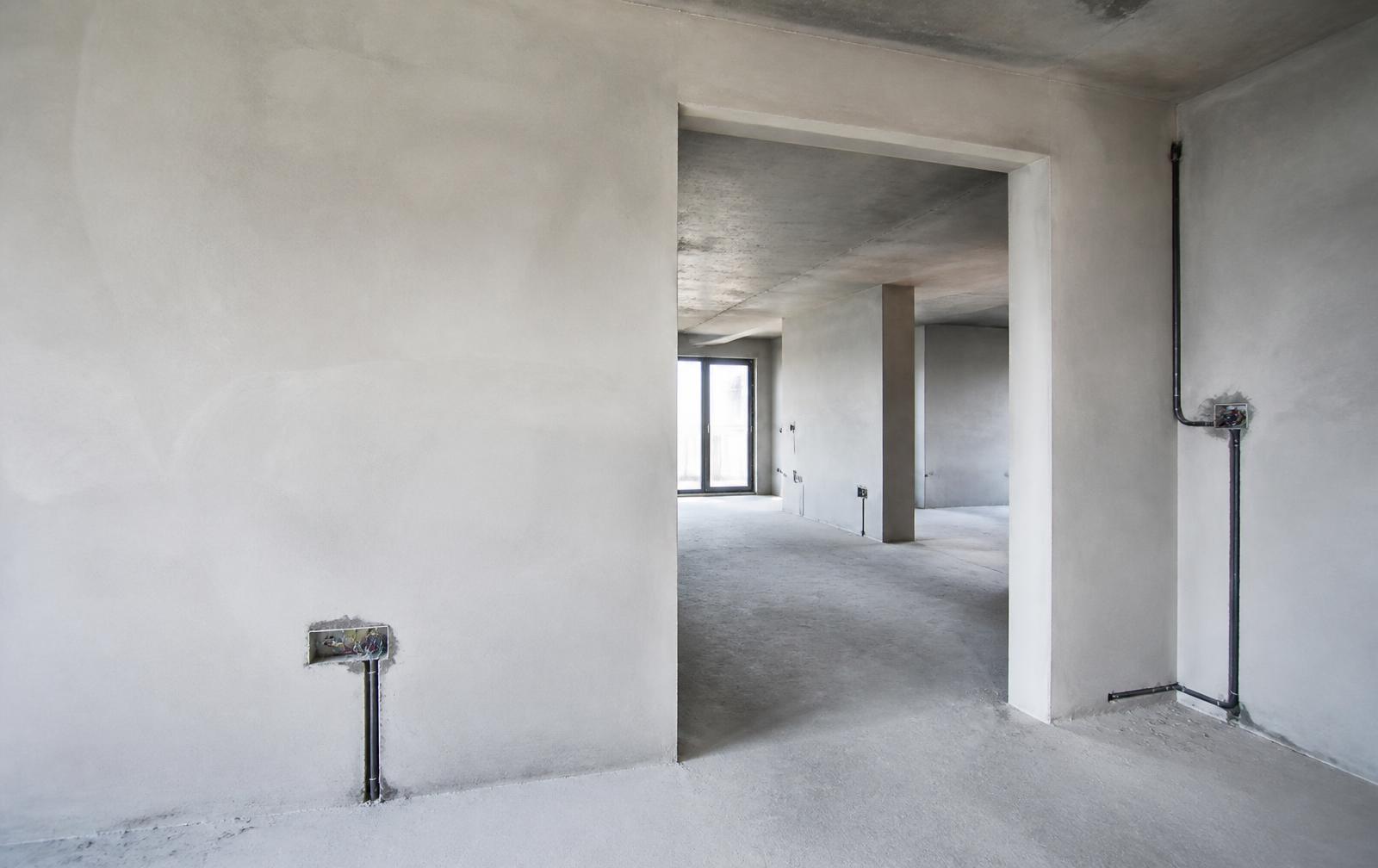
From a hotel room to a wall opening on site: the instruction stays anchored to the scene itself, never in a detached list.

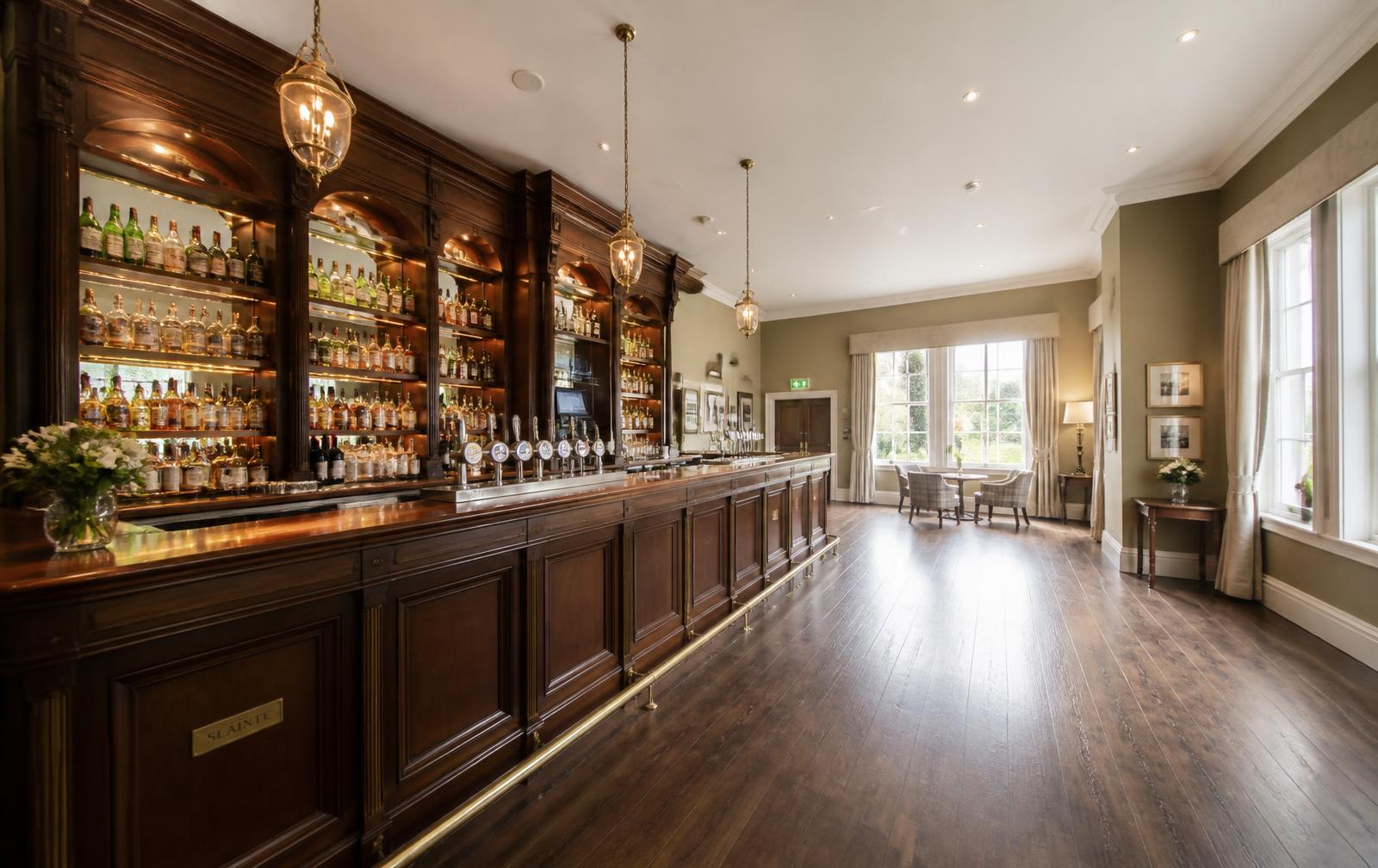
Real caseDPK player · live

Anchored annotation

  1. 01Clean the glasses and check the bottles
  2. 02Closing: sweep and mop the floor

Hotel Bar · live tour

Illustrative
Room housekeeping

Anchored annotation

  1. 01Change bed linen and towels
  2. 02Restock amenities and minibar
  3. 03Final checklist before releasing the room

Room housekeeping

Illustrative
Measurement and space verification
4.20 m

Anchored annotation

  1. 01Electrical verification point before closing the wall
  2. 02Wall opening measurement: 4.20 m

Measurement and space verification

How it works

From capture to execution, in five steps.

  1. 1CaptureWe photograph the real operating environment in 360°.
  2. 2StructuringThe existing procedure becomes short, verifiable steps.
  3. 3SpatialisationEach step gets a coordinate inside the scene.
  4. 4DistributionThe tour is published as a link, nothing to install.
  5. 5ExecutionThe team follows the procedure while looking at their own space.

Want to know how we can help?

Get in touch and we'll show you how it works in your space.